OmniHuman2
OmniHuman 2.0 vs HeyGen comes down to the job: use OmniHuman when a single picture and an existing audio track need a directed performance, or HeyGen when you need a recurring presenter with a script-led editing workflow. Both can animate a photo. Their pricing meters differ, so a simple “cheaper per video” claim would mislead you.
The side-by-side that matters
Checked against the companies’ own pages on October 16, 2026. The numbers below describe specific plans or modes, not a universal limit for every product in either catalog.
| Decision point | OmniHuman 2.0 | HeyGen |
|---|---|---|
| Starting material | One image plus audio, with optional text direction | A stock avatar or a photo avatar; add a script or audio |
| Motion emphasis | Camera movement, body gestures and multi-person scenes on the film-grade tier | Presenter-led videos made in an editor, with templates and captions |
| Stated resolution | Native 720p output | 1080p export on Creator |
| Published starting offer | Film-grade $0.07/second; avatar $0.12/second | Free plan: 3 videos/month, up to 1 minute each; Creator: $29/month |
| Published duration cap | Film-grade: 30 to 300 seconds | Free: up to 1 minute; Creator: up to 30 minutes per video |
A useful distinction sits inside that last row. BytePlus labels the 30-to-300-second range under film-grade, not as a blanket rule for its avatar tier. HeyGen’s maximum video duration doesn’t tell you how many premium avatar minutes your monthly credits will buy. Check the exact generation mode before you storyboard.
Pick the shot before the software
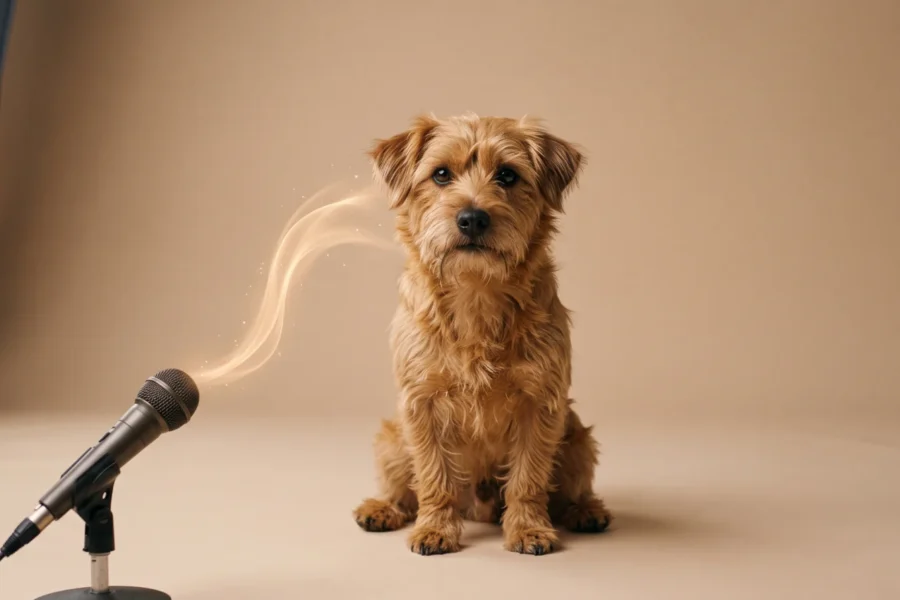
If the brief says “have this illustrated singer respond to a finished song with body movement and a drifting camera,” BytePlus describes OmniHuman’s film-grade tier in almost those terms: rhythm-driven performance, prompt-directed camera moves, and stylized characters. A standard presenter reading lines solves a different problem. Its optional text prompt lets you describe a gesture or camera move, but a prompt isn’t an edit timeline. Plan the shot first. Write the instruction afterward.
If the brief is a founder’s weekly product update, I’d start with HeyGen. You can choose a stock presenter or a photo avatar, paste the script, and assemble a finished piece with an editor with captions. Templates are there, too. That is my workflow preference. Not a quality verdict. A saved presenter and an editable script are more valuable on the fifteenth update than a dramatic camera move you didn’t ask for.
Both tools accept a photo. The work after the upload is where they diverge. HeyGen’s avatar page explicitly describes a single-photo avatar and an option to supply audio or a script. BytePlus’s product page describes image plus audio, with text as optional direction. If all you have is written copy, plan to produce a voice track for the OmniHuman workflow rather than assuming its prompt box is a text-to-speech service.
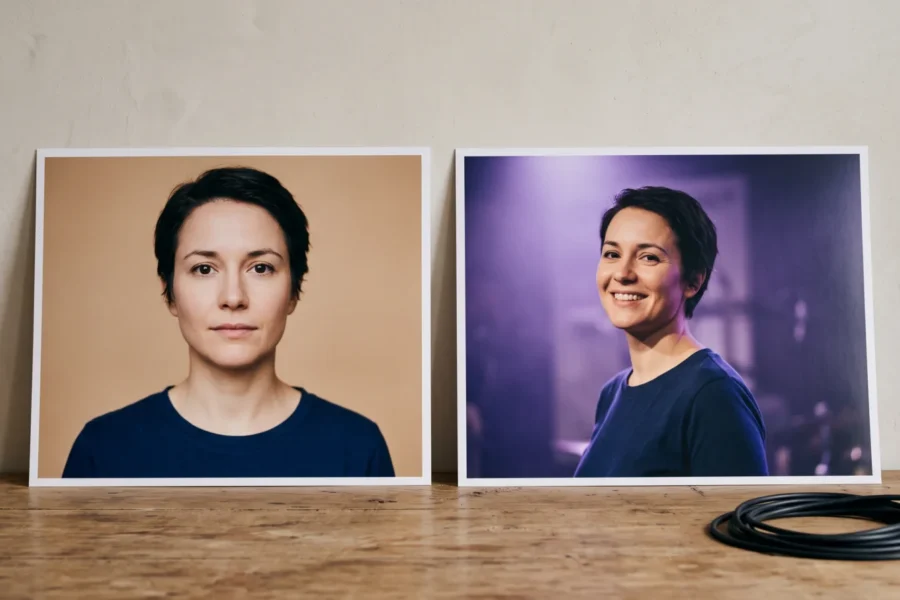
One practical warning: don’t use a talking-head headshot to judge how a wide shot will perform. Choose a reference image that shows the body area you want to move. This is a production heuristic, not a promise about either model. Our one-photo talking-video guide goes through framing and audio preparation in more detail; the site overview gives the broader OmniHuman context.
Price the actual deliverable
BytePlus lists film-grade at $0.07 per second and its avatar tier at $0.12 per second. A 60-second film-grade video has a listed generation cost of 60 s × $0.07 = $4.20; at avatar-tier pricing, 60 s × $0.12 = $7.20. The film-grade range shown on that page starts at 30 seconds, so a 30-second film-grade generation is 30 s × $0.07 = $2.10. Those are rate calculations only. Retakes cost money. Editing and any other charges sit outside that multiplication. See the full OmniHuman pricing breakdown before budgeting a campaign.
HeyGen lists a Free plan with three videos per month and a one-minute maximum per video. Its Creator plan is $29 per month when billed monthly, with a monthly credit allocation, but the site says credit use depends on the chosen model and duration, among other details. Don’t divide $29 by an arbitrary number of minutes and call it a comparable per-second rate. Check the actual avatar mode. Ask what its credits buy. In particular, a general plan duration cap isn’t a guarantee of unlimited premium avatar generation.
For a single short proof of concept, I’d check HeyGen’s Free plan first if the format fits and you can live with its limits. For a scene that needs directed body and camera motion, price the OmniHuman film-grade run and leave budget for rejects. BytePlus doesn’t document a free trial on the product page checked here; don’t build a launch estimate around one.
Access, rights and localization
BytePlus links to API documentation alongside a contact-sales path. That suggests a different starting point from HeyGen’s self-serve Free and Creator plans. If you need to wire generation into your own system, read the BytePlus API access guide and confirm your account can reach the particular model and tier before committing a delivery date.
Localization is another place where the sources are uneven. HeyGen advertises video translation in 177+ languages and dialects; BytePlus’s OmniHuman product page doesn’t publish a supported speech-language list. No list is not proof that only one language works. Ask BytePlus about your target voice. Test with material you have the right to use.
Rights deserve a line in the brief, too. HeyGen says commercial use is available on eligible paid plans and ties custom avatars to permission from the depicted person. The checked BytePlus product page does not spell out commercial-use terms or regional availability. Obtain the applicable contract terms before promising a client that a generated likeness can ship in an ad. Even with permission, I would keep a copy of the source-image consent beside the voice recording.
Run a fair pilot
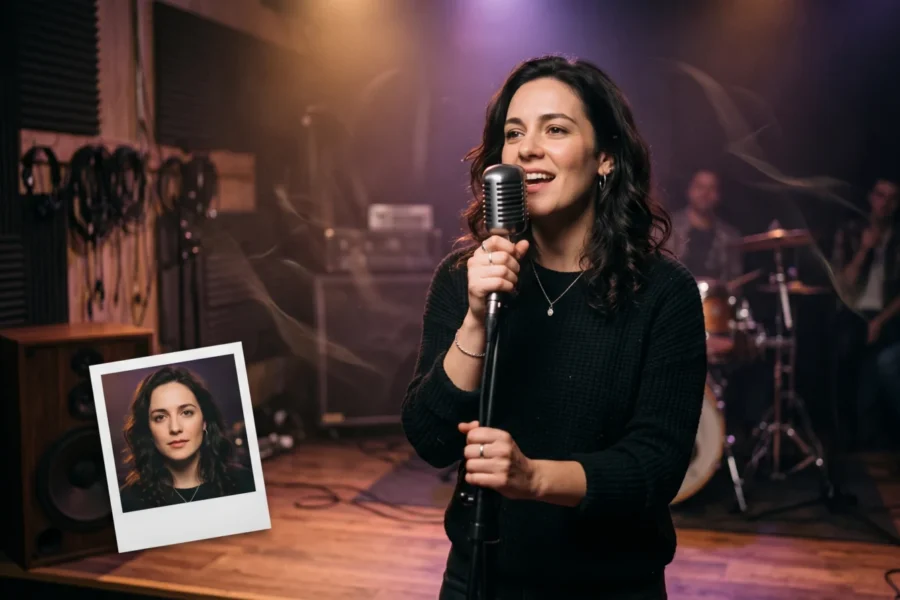
Make the comparison on your own material, not on polished promotional clips. Use the same consented portrait and the same clean voice recording, then specify one output: a waist-up presenter delivering a product sentence, or a character reacting to a music cue. Setup won’t match. That’s fine. Judge the exported clip against your brief. Ignore the button count.
Watch the mouth on hard consonants and during pauses. Then watch the shoulders when the speaker stresses a word. If you need subtitles, a branded closing card or frequent copy changes, count those steps in the total workflow instead of judging only raw animation. Save the source audio, the prompt or script, the chosen tier and the invoice for each attempt. That record is what lets you price the next client request without pretending a clean first take is guaranteed.