OmniHuman2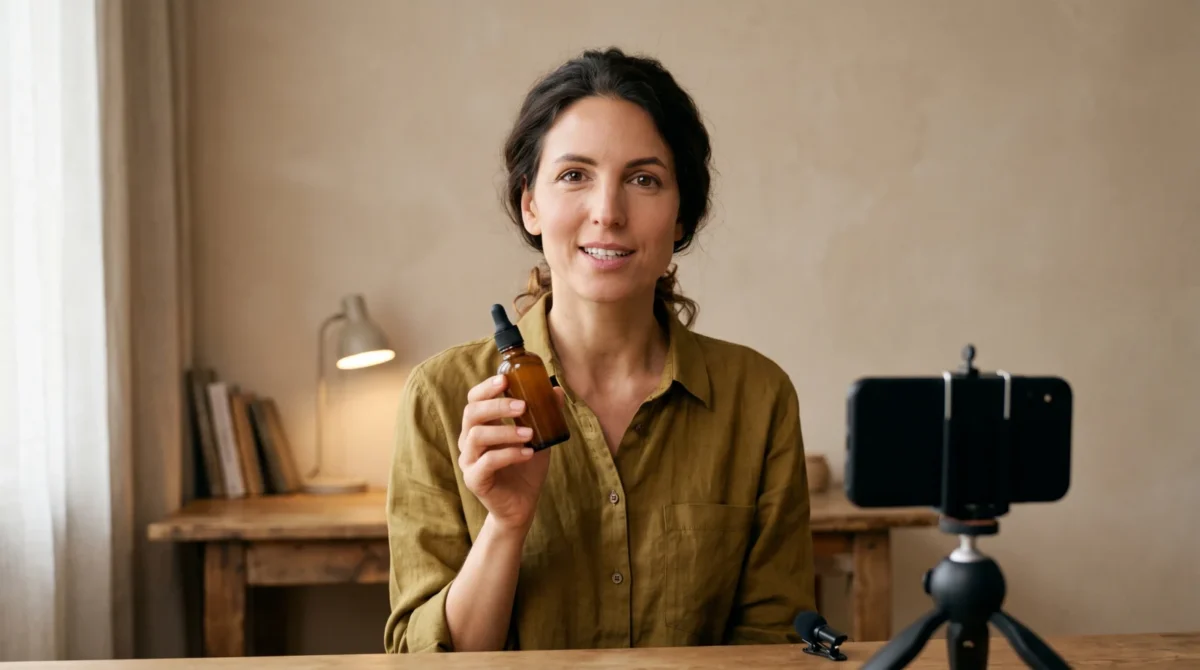
OmniHuman 2.0 can turn a single portrait and a recorded voice into the talking segment of a UGC-style ad. BytePlus also supports an optional text prompt for motion. Build the ad around one clear claim, then edit in your own product footage; a generated speaker shouldn’t pretend to be a real customer giving an actual testimonial.
Write the ad before you make the avatar
A 30-second skin-care spot doesn’t need a long monologue. Give the speaker an opening problem, a visible product detail and a specific next action. For example, a fictional script might open, “My morning routine got too crowded,” show the bottle being opened in separately shot footage, then close with “See the ingredient list before you decide.” That is ad copy. Not a real review.
Make a shot list alongside the script. Put the speaker on screen for the opening line and the transition into the product shot. Reserve the demonstration for footage you actually own. Don’t ask an animated portrait to prove that a cream works or to reproduce tiny label text on a bottle. Any ingredient claim, discount or performance promise needs to match the real product and the rules for the market where the ad runs.
BytePlus lists both e-commerce and advertising as OmniHuman 2.0 use cases. It also mentions brand marketing. That tells you the intended format. It doesn’t mean you can skip a product shoot. For direct response, a clear close-up of the actual object often does more work than another line from a synthetic presenter.
Prepare a portrait and voice that belong in the same ad
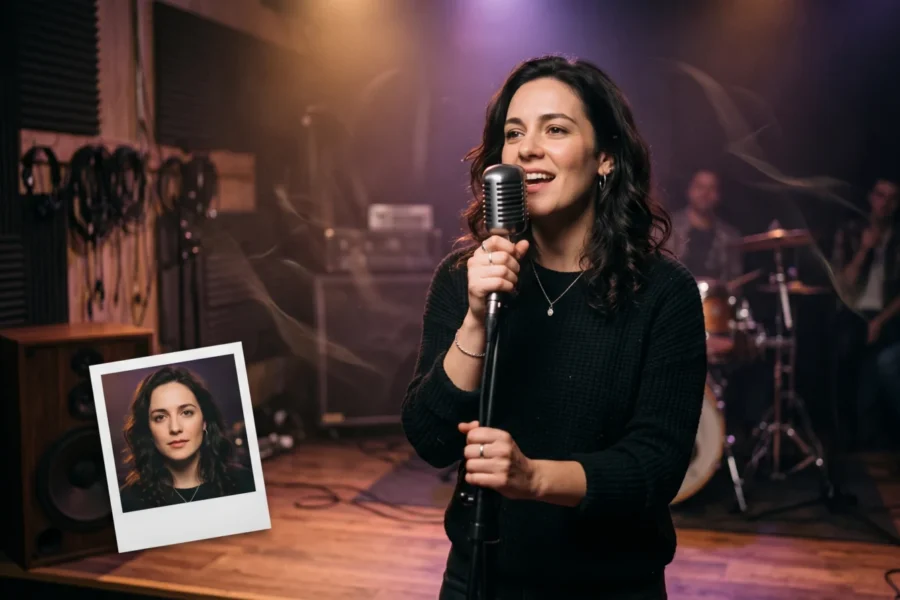
Choose an image that shows the mouth clearly. Leave room around the head for movement. No scarf over the chin. A chest-up framing gives a gesture somewhere to go; a tight face crop leaves little space for an arm. If you’re using someone’s likeness or voice, get permission. A fictional character or a properly licensed actor is a safer brief. Copying a creator who never endorsed the product is not.
Record the speech at an even distance from the microphone. Leave short pauses where the editor will cut to real product footage. Listen for plosives and clipped endings before paying to generate video; cleaning the audio first is cheaper than regenerating a full clip because the last word got swallowed. Our reference-photo guide covers framing choices, while the lip-sync guide focuses on speech that reads clearly on screen.
BytePlus describes OmniHuman 2.0 as accepting one image plus audio, with text optional, and lists native 720p output. That means the portrait and voice are the inputs to plan around. It doesn’t establish support for every ad platform’s export dimensions, so leave reframing and platform-specific delivery to your editing workflow. Don’t bake small legal copy into a generated image. Set readable disclosures during editing instead. Keep them legible.
Generate the speaking shot, then cut around it
- Finalize the spoken line and export a clean audio file. Read it once against the planned shot list; if the first visual changes before the first sentence ends, rewrite the line rather than hoping the edit will hide it.
- Pick a portrait whose lighting and wardrobe match the product footage. If the bottle shot is warm and handheld, an icy corporate headshot will feel pasted in even if the mouth movement looks fine.
- Submit the image and audio through your available OmniHuman 2.0 access route. Add a text prompt only for something visible and useful, such as “speaker looks into camera, makes one small open-palm gesture, steady camera.” BytePlus says prompts can guide gestures and camera movement. Keep the instruction narrow so you can tell what changed.
- Inspect the rendered speaking segment at normal speed and frame by frame. Watch the mouth at consonants. Look at the hands near the product. Check the cut points where the speaker stops talking. If a gesture obscures the face, simplify the prompt or change the portrait before making another paid run.
- Edit in genuine pack shots, verified offer text and a clear next action. You can start a video from the OmniHuman 2.0 overview; for route-specific details, see the step-by-step use guide.
I would keep a first ad to one speaking setup. Five angle changes in a short spot can make the avatar the star and the product an afterthought. If you need a hand actually applying a product, film that hand and the product. The generated segment is there to carry the spoken hook.
Budget for the footage you will keep
BytePlus lists the film-grade tier at $0.07 per second and specifies a 30-to-300-second output range for that tier. One 30-second film-grade generation is 30 s × $0.07 = $2.10 at the listed rate. Three complete 30-second attempts would be 3 × 30 s × $0.07 = $6.30, before editing time or any other costs. The pricing guide has the wider tier breakdown.
BytePlus separately lists $0.12 per second for an avatar tier described as focused on lip sync. A hypothetical 30 billed seconds on that rate would be 30 s × $0.12 = $3.60, but don’t transfer the film-grade tier’s 30-second minimum to this tier: the product page does not give that same range for the avatar offering. Check the current generation terms in the console before committing a batch budget.
This is why a tight script matters. If the spot needs only a few seconds of on-camera speech, the film-grade tier’s documented 30-second lower bound may leave footage on the cutting-room floor. Compare the price of the whole generated clip, not just the length of the final ad. And keep a written log of each attempt’s script and prompt so you’re not paying to rediscover the same problem.
Keep the ad honest after export
A synthetic speaker can deliver a brand’s scripted message. It cannot truthfully recount a purchase or a wear test it never experienced. No invented before-and-after claim either. Write first-person lines only when it’s clear they represent a fictional character; better still, have the speaker describe the product without claiming lived experience. Mark the material as AI-generated where your platform or local rules require it, and review the policy that applies before launch.
BytePlus does not spell out regional availability or commercial-use terms on the product page used for this guide. Ask for the relevant terms before running a paid campaign, especially if the portrait or voice comes from a third party. File the source image with the ad project. Keep written voice permission there too, along with the approved copy. If the product packaging changes next month, replace the real pack shot in the edit instead of trying to repair a label inside a generated frame.