OmniHuman2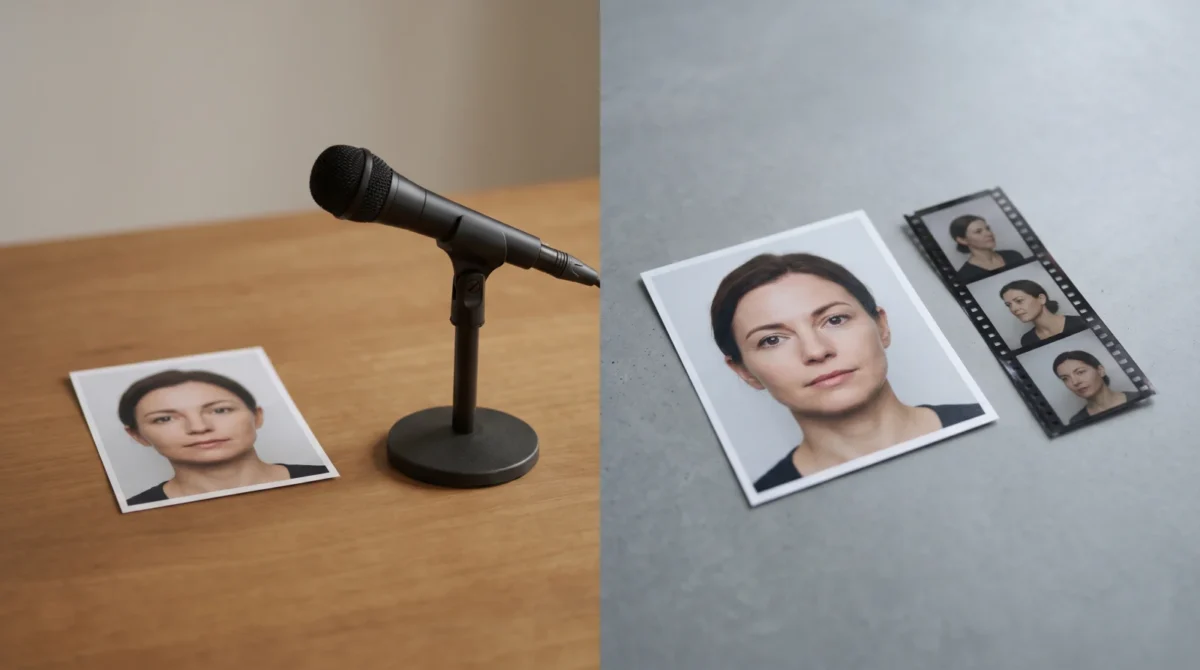
OmniHuman 2.0 vs LivePortrait comes down to what you can supply: a voice track or a performance clip. BytePlus describes OmniHuman 2.0 as generating video from one image plus audio, with an optional text prompt. LivePortrait’s official repository instead shows a source portrait animated by a driving video or motion template. They solve different production problems.
The input you already have decides the tool
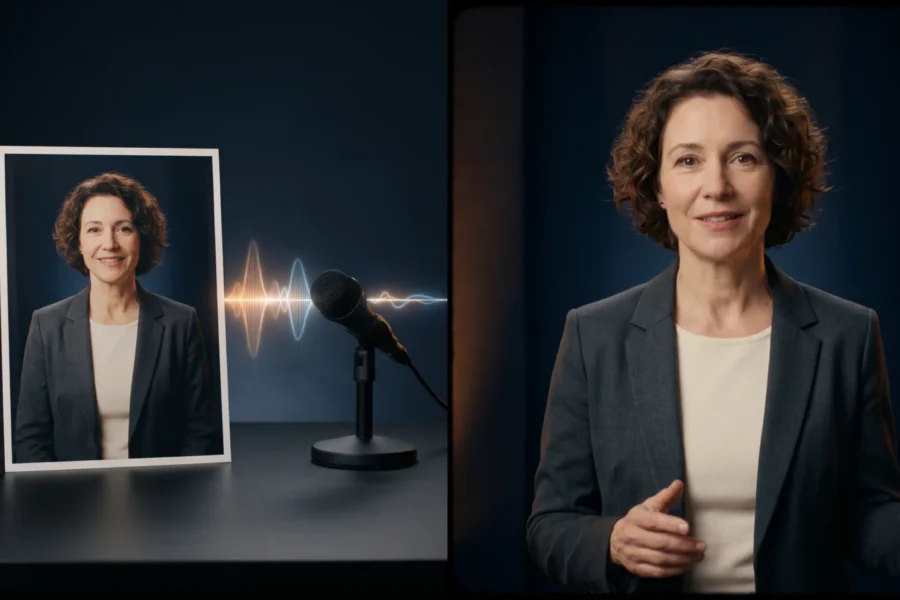
Say you have a headshot and a clean recording of a product explanation, but nobody available to film the performance. BytePlus says OmniHuman 2.0 accepts a single image and audio, then uses the audio’s rhythm and meaning to shape the performance. Its product page also describes optional text prompts for actions and camera movement. The recording is the main asset. No motion shoot required.
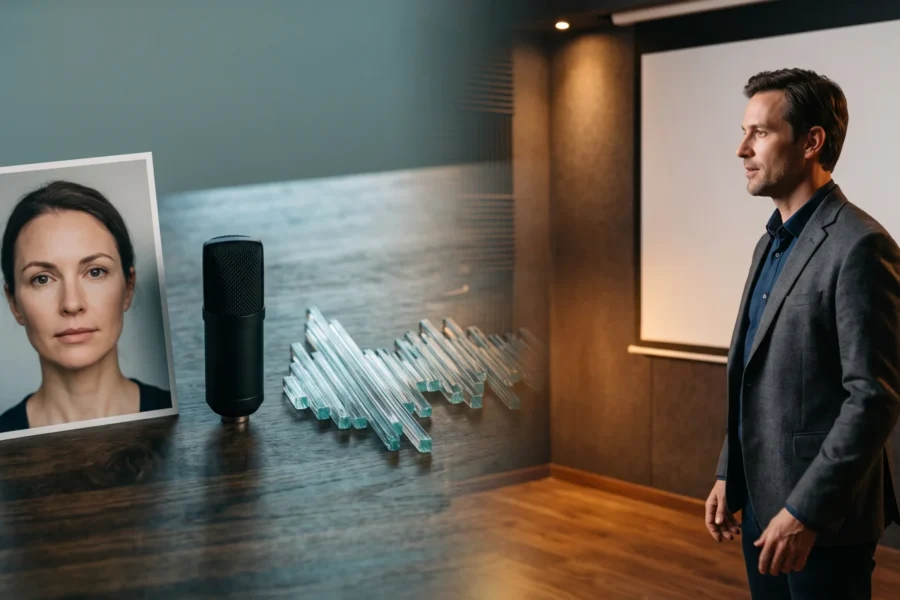
LivePortrait asks a different question: whose movement should the portrait follow? The official LivePortrait repository demonstrates a source image paired with a driving video. It also documents motion-template files and portrait-video editing. A recording alone doesn’t stand in for a driving clip in that documented workflow, so a team with only a final voiceover and a folder of approved headshots has an extra job to do before any portrait can follow a performed gesture. Shoot the motion first. Then handle the audio in the edit.
This distinction matters more than a reel of attractive samples. If you need a specific eyebrow lift at a particular line, a carefully chosen driving performance gives you a visible reference for that motion. If you need a character to deliver fresh narration without shooting a matching actor every time, feeding in the audio is simpler. Neither is a quality ranking. It’s a production choice.
OmniHuman 2.0 vs LivePortrait at a glance
| Decision point | OmniHuman 2.0 | LivePortrait |
|---|---|---|
| Main input | BytePlus: image plus audio; text prompt optional | Official repository: source portrait plus driving video or motion template |
| Motion direction | BytePlus: text can steer actions and camera movement | Official repository: motion comes from the driver; eye and lip retargeting controls are documented |
| Frame and scene | BytePlus: film-grade tier lists camera and body movement, plus multi-person scenes | Official project: portrait animation focused on facial expression and head pose |
| Access | BytePlus product page offers API access and a “Try it now” route | Official repository provides code, weights instructions and a local interface |
| Price basis | BytePlus: film-grade $0.07 per second; avatar $0.12 per second | Official repository provides self-hosted code; compute and setup costs depend on your machine or host |
Don’t read the last row as “one is free.” Compute isn’t free. Neither is editing time. If you’re buying access through a hosted LivePortrait service, its fees belong to that service, not to the project itself. Compare the bill for your own hosting plan rather than borrowing a reseller’s advertised price.
Put a real clip into the cost comparison
Take a hypothetical 45-second scripted video. BytePlus lists the film-grade tier at $0.07 per second, so 45 s × $0.07 = $3.15 for that tier. BytePlus lists the avatar tier at $0.12 per second, so 45 s × $0.12 = $5.40 there. That’s rate math, not an invoice. Check the tier before ordering.
BytePlus advertises 30 to 300 seconds of video output in its film-grade tier listing. That means a 12-second cut isn’t a safe basis for film-grade cost planning: the published range starts at 30 seconds. At the listed rate, 30 s × $0.07 = $2.10 for a film-grade generation at the bottom of that range. The avatar listing doesn’t state that duration range. Don’t transfer the film-grade minimum to it.
With LivePortrait, there’s no comparable official per-second generation charge on the project repository. Your budget line is machine time, setup, storage and editing, or a separately priced hosting provider. It’s easy to call the download “free” while quietly using somebody’s GPU for an afternoon. For a one-off, count setup hours first. That’s my cost rule.
For more examples of how duration changes a BytePlus bill, see the OmniHuman 2.0 pricing guide. The published tier isn’t the same thing as a guarantee about refunds, retries or your final production budget.
Work backward from the shot
For a narrator with a recorded script, start with a consented portrait whose face is easy to read. Trim the audio to the take. Leave the pauses intact. BytePlus attributes speech-linked expression and gesture generation to OmniHuman 2.0, but don’t assume a dense prompt will rescue muffled speech. The photo-to-talking-video guide walks through that asset-first setup.
For a portrait that must copy a specific expression, prepare the driving clip before touching LivePortrait. Its repository recommends a square crop focused on the head, with little shoulder movement and a frontal, neutral first frame. Those are the project’s instructions for the driving video, not a requirement BytePlus publishes for OmniHuman. Need a surprised glance? Shoot that beat in the driving clip. Don’t expect the audio to dictate it frame by frame.
For a wider shot with deliberate camera movement, BytePlus explicitly lists body and camera movement for OmniHuman’s film-grade tier. Write one clear instruction for the gesture you need, then review the whole shot, not only the lips. If your reference is really a tight face crop, don’t infer that a full-body performance will have the composition you imagined. The reference-image tips give you a practical way to inspect the source photo first.
You can make a video on OmniHuman2.net if your starting point is the recorded voice and a portrait. Check the framing on the first render. Listen to the pauses. Then decide what to change.
Check the rights before building a repeatable workflow
The LivePortrait license file grants an MIT license for the software, but it adds a specific warning: the included InsightFace detection models are for non-commercial research, and commercial users should remove and replace them. Read that note before putting the default repository setup into a client pipeline. A repository license is not permission to animate a person’s face without their consent, either.
BytePlus’s OmniHuman product page does not spell out commercial-use terms or supported speech languages in the public description checked for this article. Ask the provider about the contract for your account rather than inferring rights from a demo. Keep the actor’s consent, the source recording and your permitted use in the same project folder; the next editor shouldn’t have to guess where that approval lives.