OmniHuman2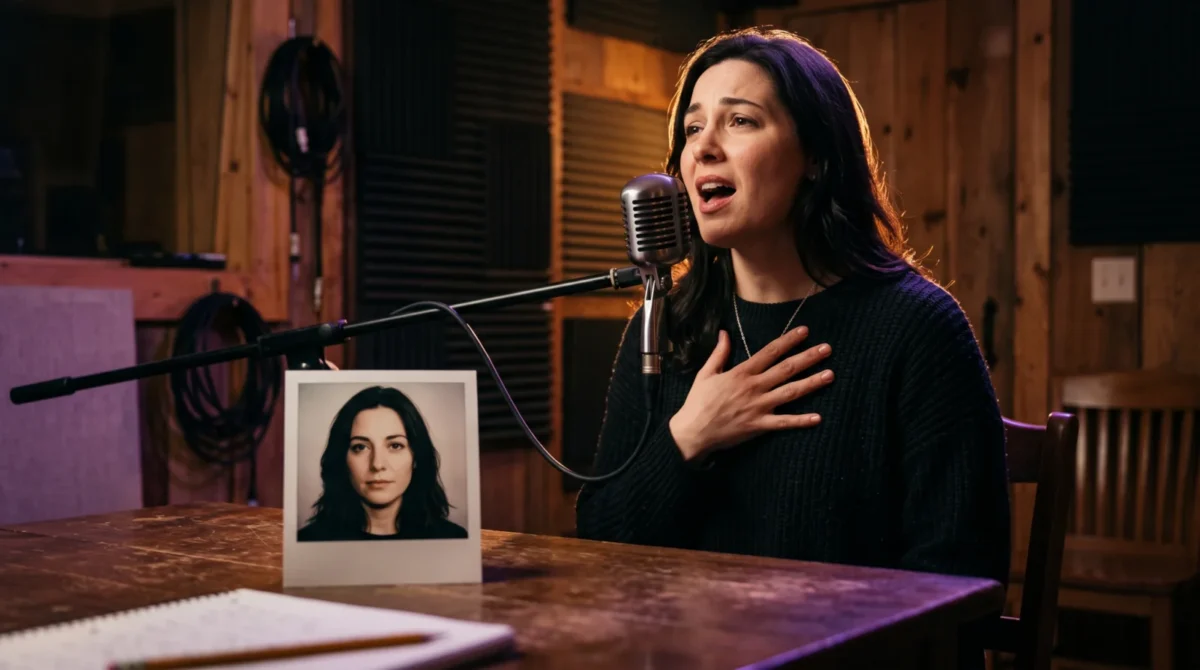
OmniHuman 2.0 singing prompts work best when they describe what a performer does during the supplied song, not the words you want them to sing. BytePlus says the model uses one image and audio, with optional text for actions and camera direction. Keep the lyric timing in the audio; use the prompt to shape a readable performance around it.
The audio leads; the prompt stages the shot
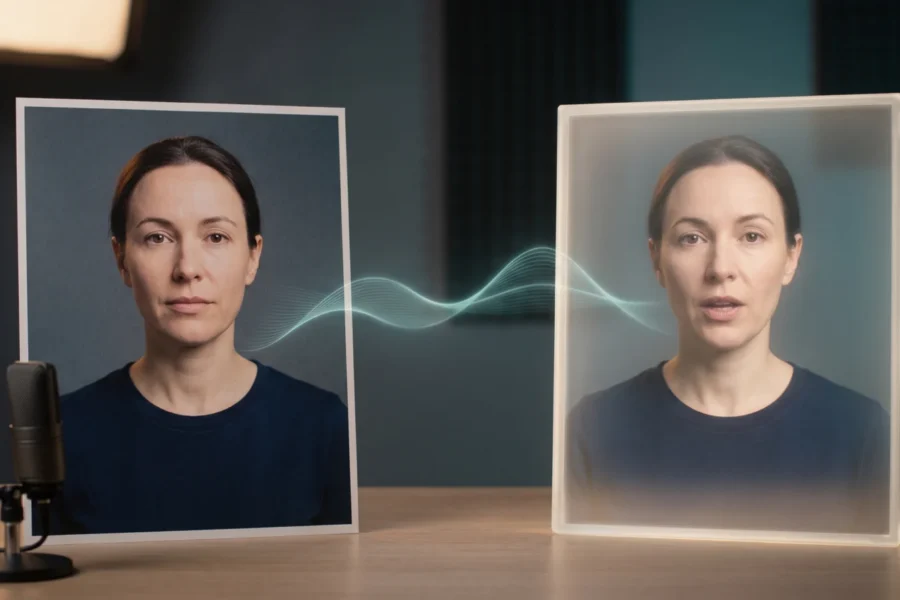
BytePlus describes OmniHuman 2.0 as responding to the rhythm and emotional content of its audio. It also lists digital singers as a use case. That gives you a useful split of responsibilities: the recorded vocal carries the syllables and phrasing; the still image defines the person and starting composition; the optional prompt asks for visible behavior. A line such as “sing the second verse louder” is a weak way to control the vocal track. Record the louder verse instead, then prompt the expression that ought to accompany it.
Choose a reference image with an unobstructed mouth and enough room around the shoulders for movement. If the picture crops a singer at the chin, asking for an arm sweep asks the system to invent an arm it hasn’t seen, plus a shoulder and sleeve that must somehow match the rest of the portrait. That’s a poor trade for a performance clip. For more on source-photo choices, see the reference image guide.
Don’t treat the examples below as tested settings or promises about the exact resulting motion. They’re prompt drafts designed around the controls BytePlus actually describes. Change one part at a time, then judge the rendered shot against the audio. BytePlus says text prompts can direct actions and camera movement; it does not document frame-perfect choreography from written timecodes on the product page.
Four singing prompts you can adapt
Small-room ballad. Pair a quiet vocal with a portrait that already looks like a close performance shot. Keep the visual request restrained:
A singer performs an intimate ballad in a small recording room. Their shoulders move gently with the phrasing. During a held note, they raise one hand near the chest and keep their gaze toward the microphone. Steady chest-up shot; soft side light.
The hand cue is modest on purpose. A tender line doesn’t need a stage full of motion. If the reference photo has no microphone, remove that object from the prompt unless you’re comfortable with the system inventing one; BytePlus says prompts can add objects, but their exact look isn’t guaranteed.
Upbeat chorus. Make the audio’s change in energy do the heavy lifting. The text can ask for a stronger posture without trying to spell out every beat:
A singer performs an upbeat chorus on a simple stage. They shift their weight from foot to foot, smile between lines and gesture outward on the chorus. The camera holds a medium shot and moves in slightly as the performance grows more energetic.
This asks for one gradual camera move rather than several cuts. If your reference is only a face, replace the weight shift with a head-and-shoulder motion. The model cannot preserve visual details that aren’t present in the input with the same certainty as details it can see.
Tense verse to open chorus. Use contrast when the track actually contains it:
A singer begins a restrained verse with lowered shoulders and a close, inward gaze. As the music opens into the chorus, their expression brightens and their posture opens. Keep the performer in the same scene with a slow camera push, without switching locations.
Start with the recording. The transition must be audible. Don’t ask for a chorus change if your clip is just one unbroken vocal phrase. BytePlus describes emotional shifts that follow audio context, not a guarantee that a text instruction will override the sound.
Illustrated stage singer. BytePlus lists 3D and cartoon styles among its supported subjects, so a stylized performer is a reasonable source image. Let the character design stay the focus:
An illustrated singer performs in a small theater under a single warm spotlight. Their head tilts gently on the long notes and their free hand makes a restrained outward gesture. Hold the framing steady; preserve the character’s drawn proportions and outfit.
Use an image you own or have permission to animate. “Make it cinematic” says very little. A single stage with a steady frame is easier to inspect.
Match the request to the source image
The prompt should not describe a shot your image can’t support, especially if the request demands a full stage performance from a portrait that shows only a mouth and forehead. A chest-up portrait can support facial expression and shoulder direction. Visible hands help too. A full-body reference gives you room to request a weight shift or a step, but it also leaves more of the frame to evaluate. Keep the camera request proportional to the crop. Wide movement from a tightly cropped face is asking the renderer to guess a body and an entire stage at once.
Listen before you write. Seriously. Mark where the vocal gets breathy, where a held note lands and where the instrumental takes over. Then choose one visible response per passage. The old film-set habit of giving an actor one playable action per beat is useful here. It keeps your prompt from becoming an inventory of moves that fight the recording.
For a broader walkthrough of setting up an image and audio clip, use the step-by-step guide. If the part you care about is mouth movement on spoken dialogue rather than singing, the lip sync guide covers that separate problem. You can also make a video on the site and compare the result with the source audio yourself.
Budget a rehearsal before the final render
BytePlus lists $0.07 per second for its film-grade tier and $0.12 per second for its avatar tier. A 60-second song excerpt costs 60 s × $0.07 = $4.20 at the listed film-grade rate, or 60 s × $0.12 = $7.20 at the listed avatar rate. Editing costs extra. So do failed takes. BytePlus lists 30 to 300 seconds of output for the film-grade tier; it does not state that same range for the avatar tier on the product page. Check the current terms before committing a short clip or a batch.
I’d spend the first film-grade render on the simplest chorus shot, not the full song. Start small. A 30-second draft at the listed film-grade rate is 30 s × $0.07 = $2.10. Inspect the mouth during long vowels, the hand on the biggest gesture and the point where the vocal pauses. If one cue looks wrong, change that cue rather than rewriting the whole performance. For the wider cost picture, including tier differences, see OmniHuman 2.0 pricing.
Don’t bake a title card into the input photo just because you’ll need one in the finished video. Generate a clean performance, then add titles in your editor where you can control spelling and placement. Keep the raw audio next to the export for a direct check of consonants and held notes before cutting it into the track.