OmniHuman2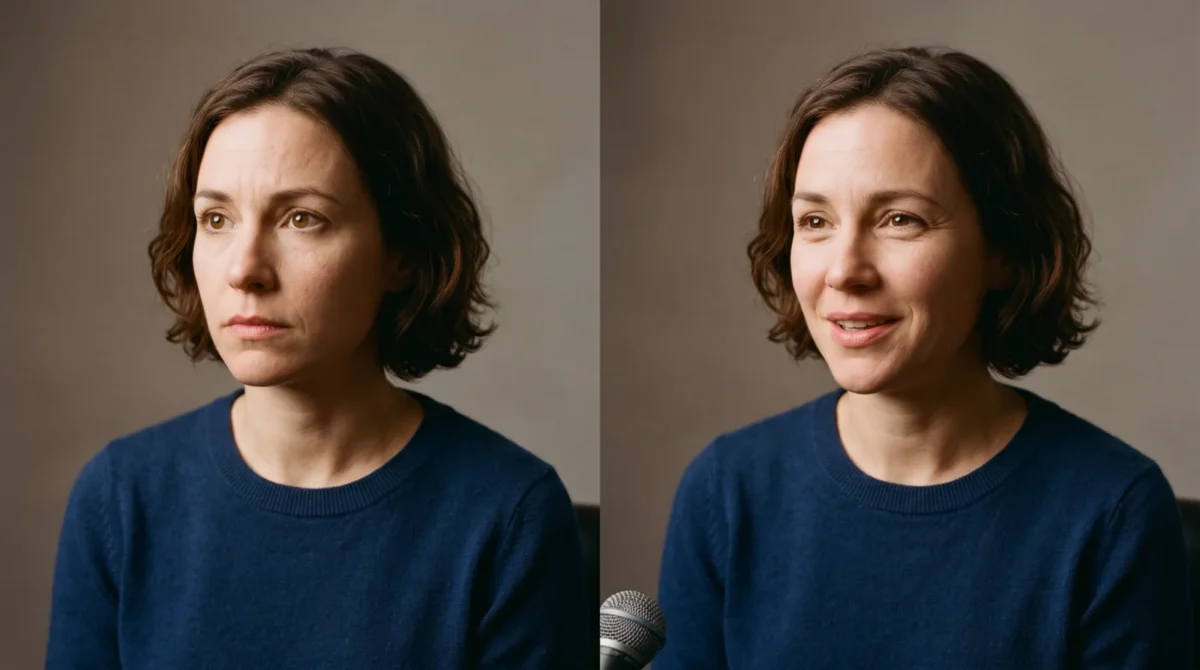
OmniHuman 2.0 expression prompts should name the starting expression, the line that changes it, and where the face settles. BytePlus says audio rhythm and meaning shape its emotional performance, while optional text prompts refine the result. Record the turn in your voice first. Then describe what a viewer should notice.
The voice carries the turn
A smile written into the prompt won’t rescue an audio track delivered in one flat tone. BytePlus describes OmniHuman 2.0 as taking one image and an audio track, with text as an optional input, and says its character animation follows speech rhythm and meaning. That’s a reason to make the spoken line credible before adding adjectives to the prompt. It’s not a promise that every requested eyebrow movement will land on the right syllable.
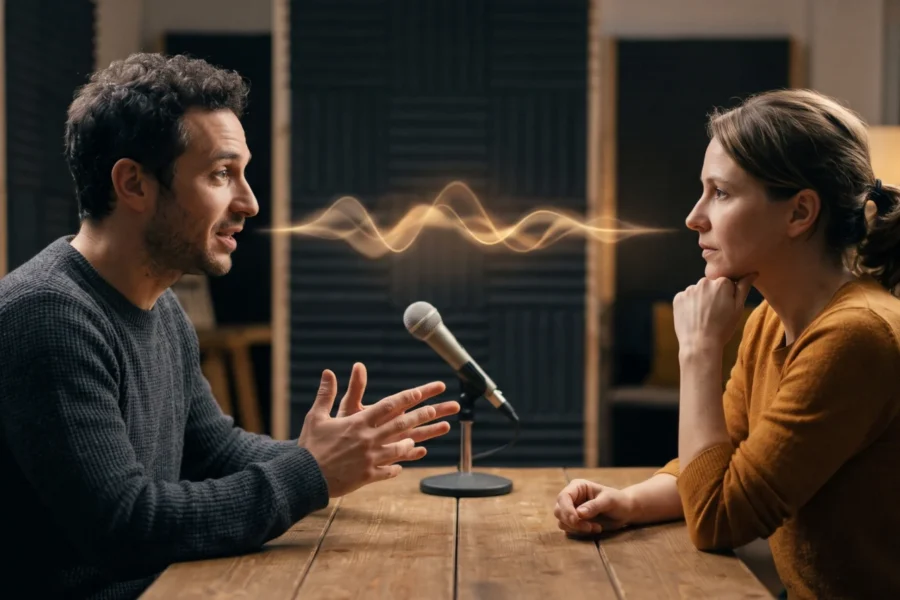
Suppose the speaker says, “I thought you’d missed the train. Oh, there you are.” Read the first sentence with a small, genuine worry; leave a beat before the second sentence; then let the relief show in the voice. If you record both sentences at the same pitch and speed, a prompt asking for “worried, then relieved” is fighting the track. Give the change a place to happen. That pause matters. The listener should be able to point to the breath between the two thoughts, rather than being asked to believe that a shift in facial expression alone explains why the speaker suddenly sounds relieved.
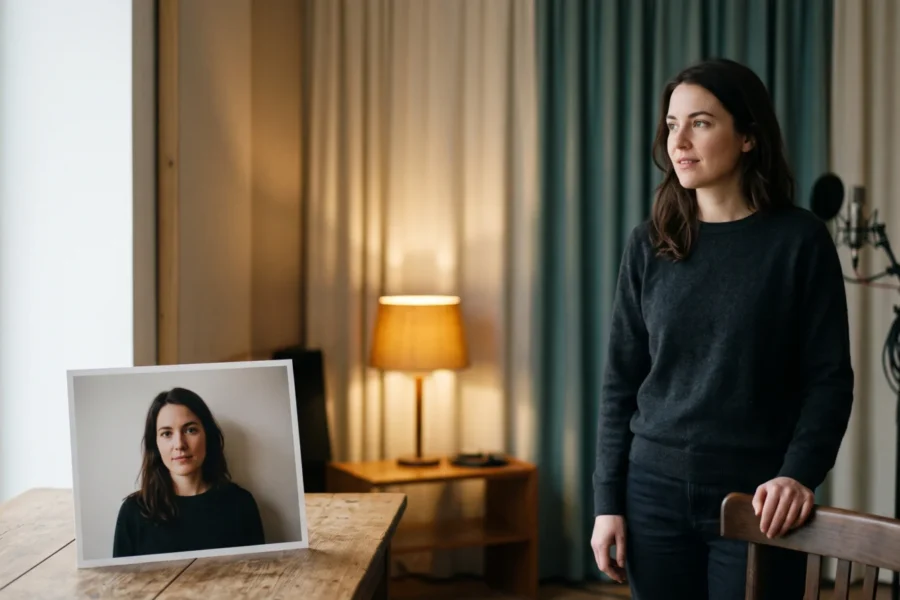
Use a source portrait in which you can see both eyes and the mouth without a hand or hair in front of them. That’s a practical framing choice, not an official input requirement. A neutral resting face gives a requested change room to read. Start there. If you’re still choosing the image, our reference image guide covers framing in more detail; for speech-mouth issues, use the lip-sync guide.
Expression prompts you can adapt
These are suggested production directions, not published BytePlus presets or claims about tested output. Pair each one with a voice track that has the named turn. Keep the rest of the shot simple while you judge whether the face follows the line.
Relief after worry
The speaker starts attentive and visibly concerned, with slight brow tension and still shoulders. After the line “Oh, there you are,” the brow relaxes and a small, believable smile appears. Hold the same framing throughout; avoid a broad grin.
This is for a customer update or a short narrative beat where the payoff comes after a pause. The important instruction is the change, not how many emotion words fit in a box. A measured smile is easier to judge than “radiant joy.” Less is plenty.
Quiet skepticism
The speaker listens with a neutral expression. On the line “That doesn’t sound right,” they raise one eyebrow slightly and glance toward the side for a beat, then look back toward the viewer. Keep the reaction restrained and the mouth movements tied to the recording.
Use this when a presenter needs to register doubt without playing a cartoon villain. If your track doesn’t include a distinct skeptical line, don’t ask the prompt to invent a reaction to nothing. The line and the look should belong to the same moment. Keep them together. If the character looks away halfway through an unrelated sentence and then raises an eyebrow after the skeptical line is already over, you have two separate signals instead of a reaction that reads as a thought.
Recognition, then warmth
The speaker begins thoughtful, looking near the viewer. When they say “I remember that place,” their eyes brighten and a small smile develops. The smile softens during the next sentence instead of staying fixed.
A memory should feel like a change of thought. I’d take this restrained version over a prompt that demands constant smiling: a face that never resets makes even a gentle line sound like a sales pitch.
Controlled frustration
The speaker delivers the first sentence evenly. On “We agreed to fix this,” their brows draw together briefly and the jaw firms, but they don’t shout or lunge toward the camera. As the final sentence slows, their face settles back toward neutral.
This fits a dramatic read or a serious internal message, not an upbeat product demo. Keep the audio at conversational intensity if that’s the scene you’re aiming for. Extra exclamation marks in a written prompt can’t replace the delivery. They just add noise.
A dry joke
The speaker stays straight-faced through the setup. On the last short line, they give a tiny half-smile and a brief amused exhale, then let the expression fade. Keep the camera still and do not exaggerate the reaction.
Put an actual pause before the punch line in your recording. Let it breathe. If the joke needs subtitles to land, fix the script first; the prompt is there to direct the face, not write the joke.
Build a controlled pass
BytePlus says text prompts can direct specific actions and camera movement, and its product page calls out expressive emotional shifts. It doesn’t publish a guarantee of exact frame-by-frame control on that page. That distinction counts. Treat the following as a way to evaluate a shot, not as a fixed recipe supplied by BytePlus.
- Write one short script with a single emotional turn. Mark the exact spoken line where the shift belongs. Don’t ask for skepticism, tears and laughter in the same sentence.
- Record it with a clean pause at the turn. Listen without looking at the photo. If you can’t hear the change, rerecord before spending on video. Save the fee.
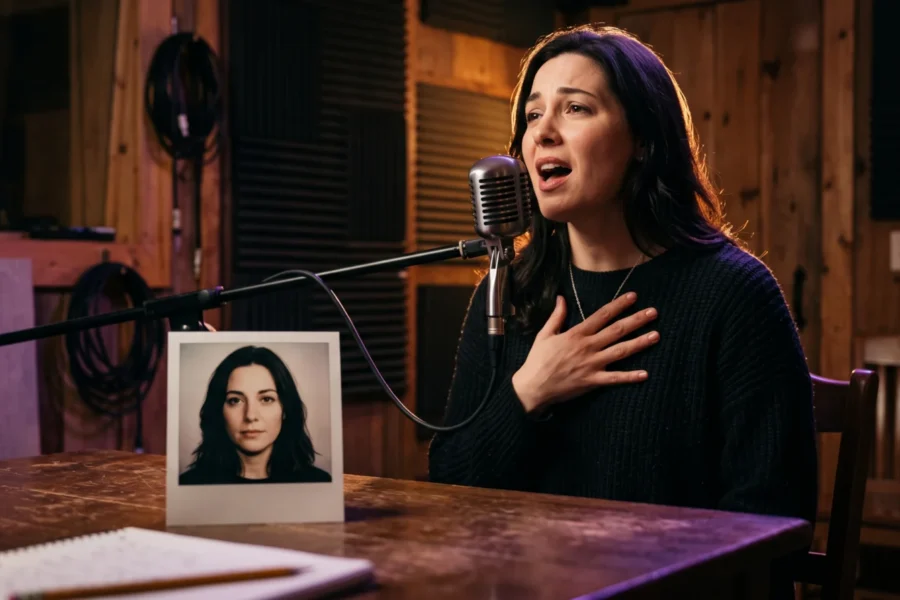
- Pick a clear portrait and keep it unchanged across your attempts. Start with one of the expression prompts above, changing the quoted line to match your actual audio.
- Generate a version, then watch it muted for the facial shift and with sound for the timing. Note the line at which the face changes. On the next pass, revise only one cue, such as replacing “broad smile” with “small smile.”
You can make a video on the OmniHuman2.net overview. For a separate look at how scene descriptions affect the background, see the scene prompt guide. Keep scene changes out of the expression test unless they’re the actual problem you’re solving.
Spend on the moment, not the adjectives
BytePlus lists a film-grade tier at $0.07 per second, with a stated 30-to-300-second output range, and an avatar tier at $0.12 per second. For a 60-second film-grade generation, 60 s × $0.07 = $4.20; the same duration priced at the avatar rate is 60 s × $0.12 = $7.20. Those are listed per-second prices, not a quote for your account or a promise about billing for retries. The pricing guide works through longer clips.
At the listed film-grade rate, even its stated minimum 30-second output costs 30 s × $0.07 = $2.10 before any extra attempts. That’s enough to make shot discipline matter. Revisions add up. Rather than paying to test five nearly identical emotion synonyms, change one observable thing: the pause in the recording, the expression at the quoted line, or the reference image. Keep a note of which input you changed so your next attempt teaches you something.
BytePlus doesn’t document an exact timing syntax for facial expressions on the product page. If a change misses the intended line, try recording a clearer pause and writing that line into the prompt before you assume a timestamp command will fix it. Don’t promise a client eyebrow-level precision that the published description doesn’t promise you.