OmniHuman2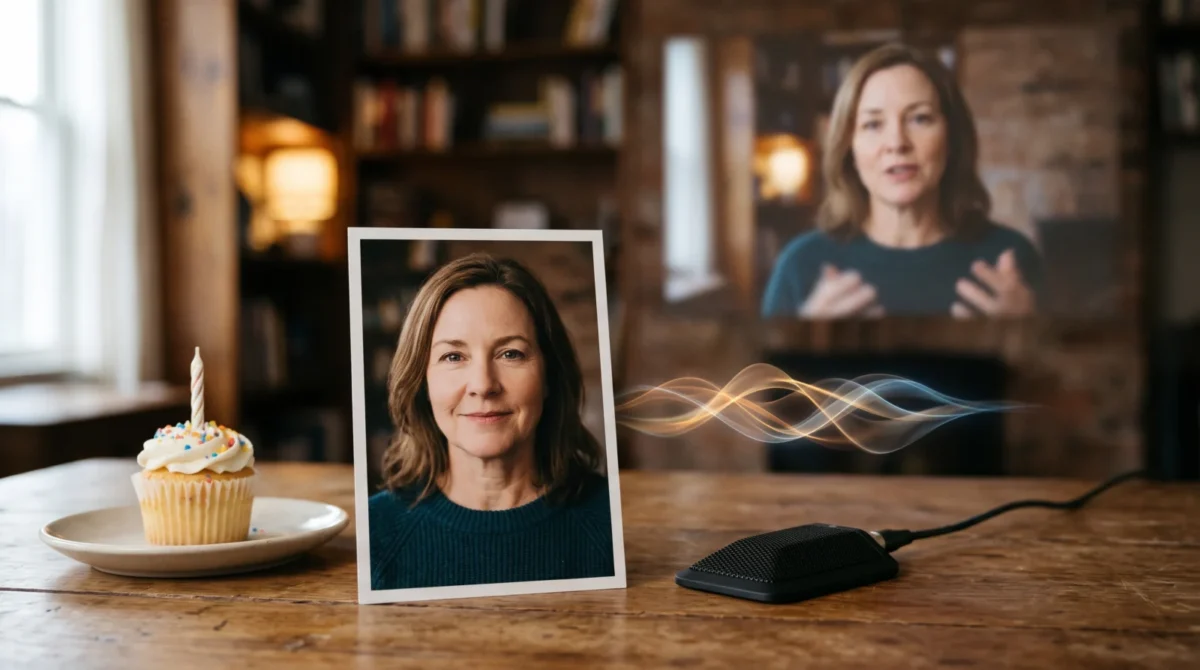
A birthday greeting video from a photo works best when the pictured person speaks a short, specific message rather than a generic song. For OmniHuman 2.0, prepare one clear portrait and a clean voice recording, then use an optional prompt to keep the performance restrained. Get the person’s permission before animating their face or using their voice.
Pick the person and the moment
Start with the sender, not the birthday guest. A talking portrait of the friend who can’t attend the party can deliver the same line they’d say over the phone, with a familiar pause before the punch line. Turning the guest of honor’s photo into a speaking version of themselves is a different choice: without their consent, it’s a bad surprise.
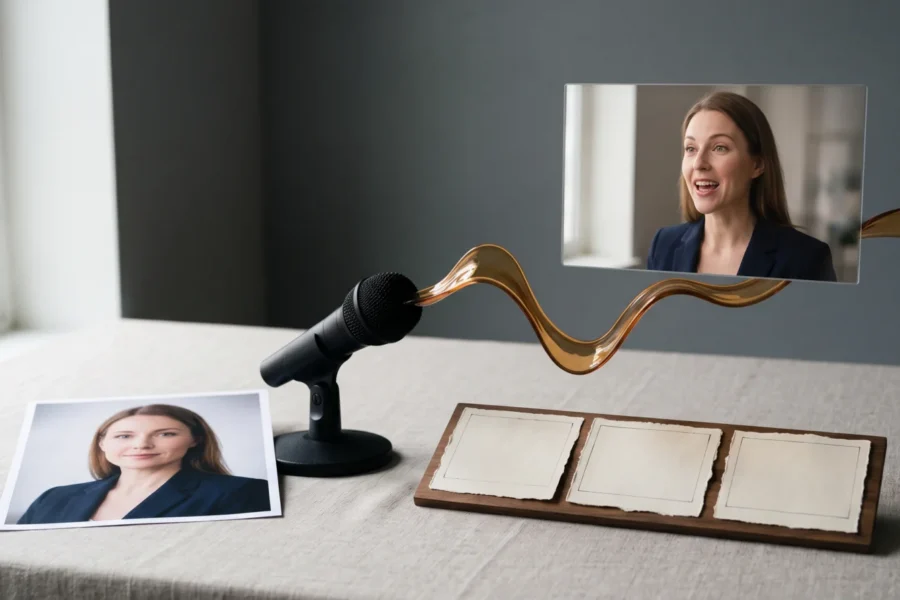
BytePlus describes OmniHuman 2.0 as taking one image plus audio, with a text prompt available for further direction. That makes a photo-led greeting possible without a filmed performance, but it doesn’t give you permission to use someone else’s likeness. Ask the pictured person to approve both the photo and the words. If the audio mimics another person’s voice, get that person’s approval too; the safest route is an actual recording from the pictured speaker.
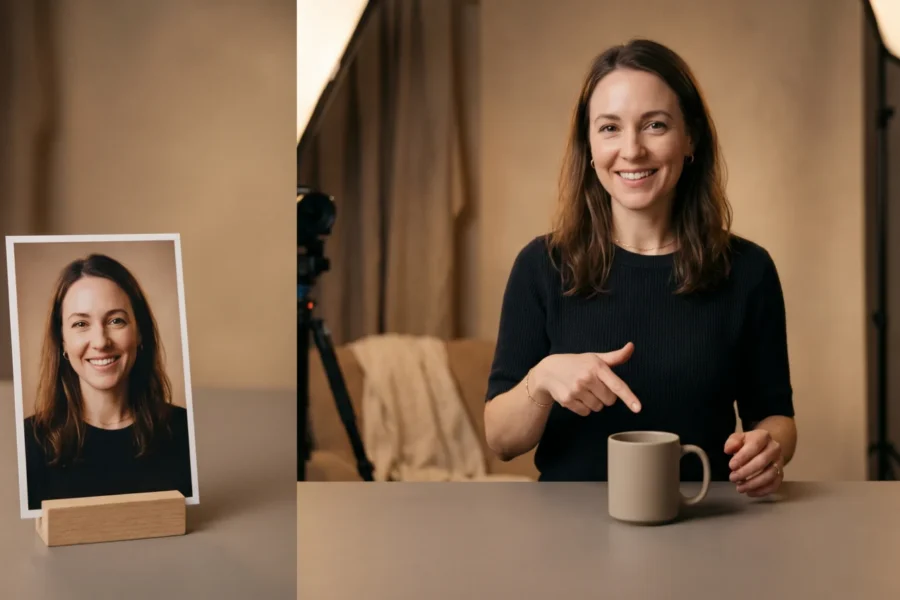
Choose a chest-up portrait with both eyes visible, an unobstructed mouth and room around the shoulders. Skip the group shot where you have to crop a face out of the edge. A hand covering the chin makes mouth movement harder to judge, while a severe side profile leaves little face to read. These are practical image-selection tips, not a guarantee about model behavior. Our reference image guide goes deeper on framing.
If the sender isn’t comfortable being animated, film a conventional phone video instead. Sometimes that wins. It’s often the more personal gift.
Write for a human voice, not a card template
Aim for one memory, one wish and a simple sign-off. For example: “Happy birthday, Maya. I still laugh about the cake we carried on the train last year. Save me a slice this time. Love, Alex.” The train detail does more work than a stack of adjectives. Replace those names and the memory with your own; don’t present an invented anecdote as something that happened.
Record the lines in a quiet room. Leave a beat after the name and before the last sentence so the greeting can breathe. Use headphones. Listen to the recording once with headphones: a clipped first word or a loud refrigerator hum is easier to fix now than after paying for a generation. BytePlus says the model uses the audio’s rhythm and meaning to shape expressions and gestures. That’s a reason to record the intended delivery, not just paste a polished script into an unrelated voice track.
Don’t add an entire birthday song just to fill time. If you do use music, make sure you have the rights to that recording, and keep speech intelligible. For more on mouth visibility and audio pacing, see the lip-sync guide.
Make one restrained birthday scene
Use the OmniHuman 2.0 overview if you want to make a video, or follow our step-by-step usage guide for the general image-and-audio workflow. Check the current upload requirements in the service you actually use; the product page doesn’t specify every file-format or size rule. Keep the original portrait and clean recording so a revision doesn’t mean recreating them.
For the optional direction, try this prompt as a starting instruction, not as a claim about a tested result:
The speaker faces the camera in a relaxed chest-up shot. A small smile on the birthday wish, then a natural pause after the personal memory. Keep the camera steady and the gestures subtle. No new props or extra people.
BytePlus says its text prompts can steer gesture and camera movement, including generated objects. That’s why the prompt asks for fewer moving parts: a birthday greeting usually needs the speaker’s expression, not a sweeping camera move or a surprise party assembled behind them. If you want a balloon or cake in the scene, describe a single object and inspect the result rather than asking for a roomful of decorations.
After generation, check the face during the recipient’s name, the pause after the anecdote and the closing word. Watch it on a phone at the size they’ll receive it. Small screens expose clutter. If a gesture distracts from the line, simplify the prompt before changing the whole portrait. No tool can promise that a particular mouth shape or prop will render perfectly from one image.
Budget for the greeting you actually need
BytePlus lists the film-grade tier at $0.07 per second and specifies 30 to 300 seconds for its video output. At the stated minimum, the arithmetic is 30 s × $0.07 = $2.10 for one film-grade generation; a 45-second greeting is 45 s × $0.07 = $3.15. Those are listed per-second charges, not a quote that covers retries or editing. If you regenerate the same 30-second clip once, budget for another charge rather than assuming the second attempt is free.
BytePlus separately lists an avatar tier at $0.12 per second and describes it as focused on lip sync from one image and audio. A hypothetical 30-second clip at that listed rate is 30 s × $0.12 = $3.60, but don’t transfer the film-grade tier’s documented 30-second minimum to the avatar tier; the product page doesn’t state the same length rule there. The pricing guide breaks down the tiers. For a single personal message, I’d start with the film-grade tier only if its 30-second minimum fits the script. Padding a 12-second “happy birthday” with dead air is a poor use of anyone’s money.
BytePlus’s product page doesn’t document a free trial, supported speech languages, regional availability or commercial-use terms. Check the current terms and access details before placing a birthday clip in a paid campaign or promising that a relative abroad can run the same workflow.
Send the file without making the recipient guess
Trim any silent lead-in and add a clear ending, but don’t cut the final word’s tail. Listen again after export. No shortcuts here. Share the clip as a file or a link that your recipient can open without creating an account; if you’re sending it in a crowded group chat, label it as an AI-animated greeting so nobody mistakes the still photo for footage the person actually recorded.
Keep a copy of the source recording separate from the finished video. If the sender asks you to take the clip down later, you’ll know which versions to remove from shared folders and scheduled posts. For a private gift, ask the recipient before posting their name or personal memory publicly.